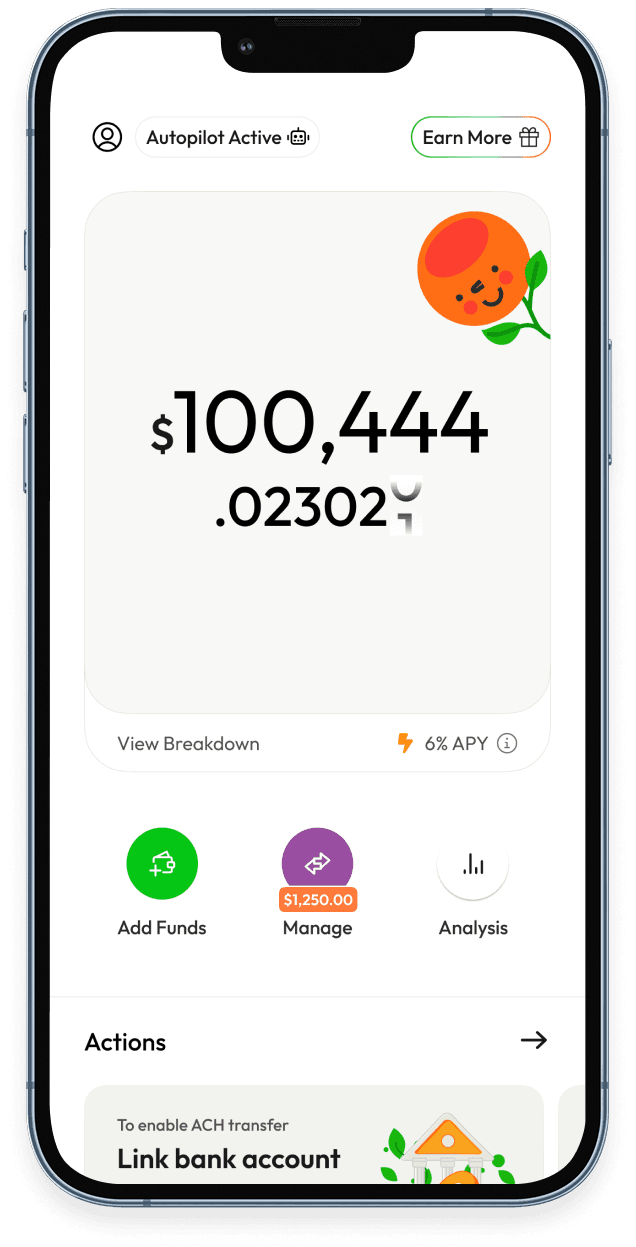
What is YieldClub?
YieldClub is a mobile app that makes it easy to grow your money with high yield powered by stablecoins. Think of it as a modern alternative to bonds or savings products - but with up to 12% APY, real-time compounding, and no lockups.
How does YieldClub compare to banks and bonds?
YieldClub offers 5-12% APY, credited in real time, and is fully liquid with no price fluctuations. - Banks / HYSAs: Banks offer between 0-4% APY paid periodically. - Bonds / Treasuries: Bonds lock up your money for months or years and fluctuate in price if you sell early. Yields range from 0-6% depending on risk level. - Other Alternatives (real estate crowdfunding, private credit): Typically 4-8% target yields, but illiquid, opaque, and has fees.
What are the main benefits?
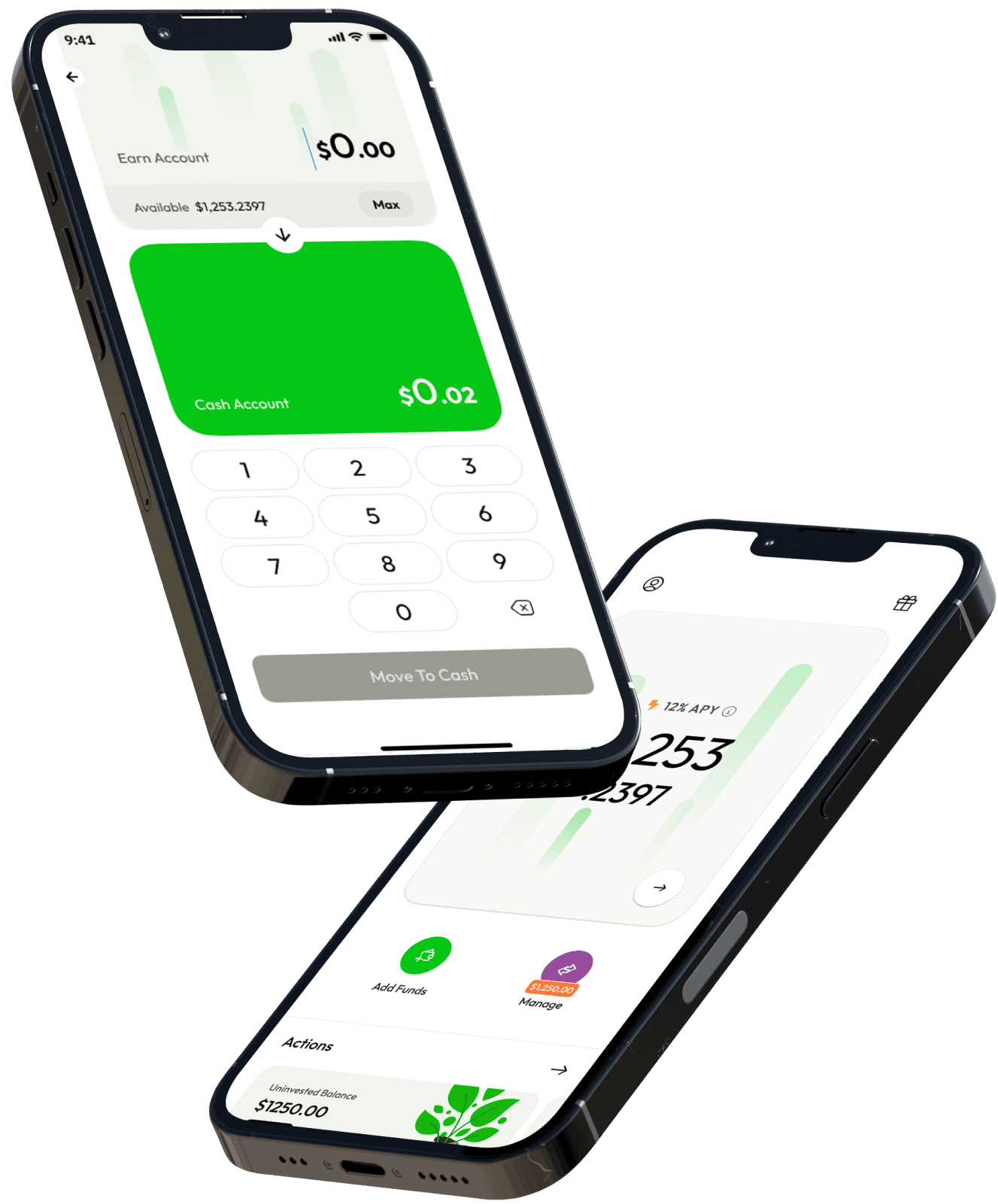
- Higher Yield: Historically 5–12% APY, vs 3–5% with banks/bonds. - Liquidity: Interest compounds in real-time with no lockup terms. - Secure: Your account and all funds are held by you, not us. We route depositors to large, trusted lending platforms that have over $10 billion in deposits. - Simple Onramps: Add funds by bank transfer, debit card, or crypto, no subscription required.
How do I get started?
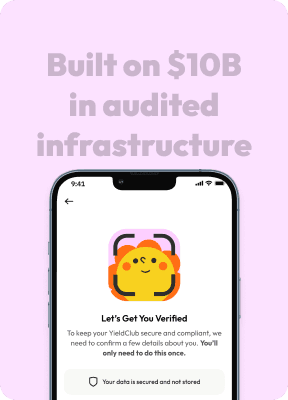
1. Download the YieldClub app. 2. Verify your email and set up your wallet. 3. Add funds and start earning yield immediately.
How can I add funds?
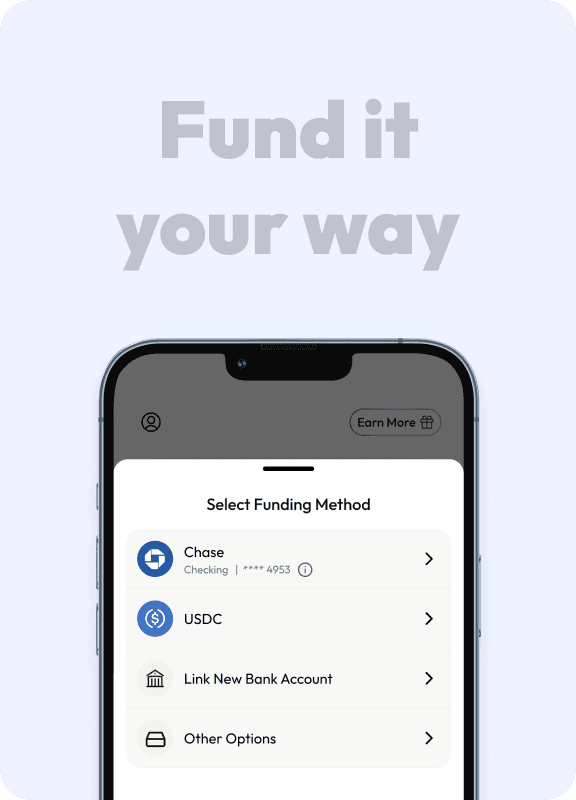
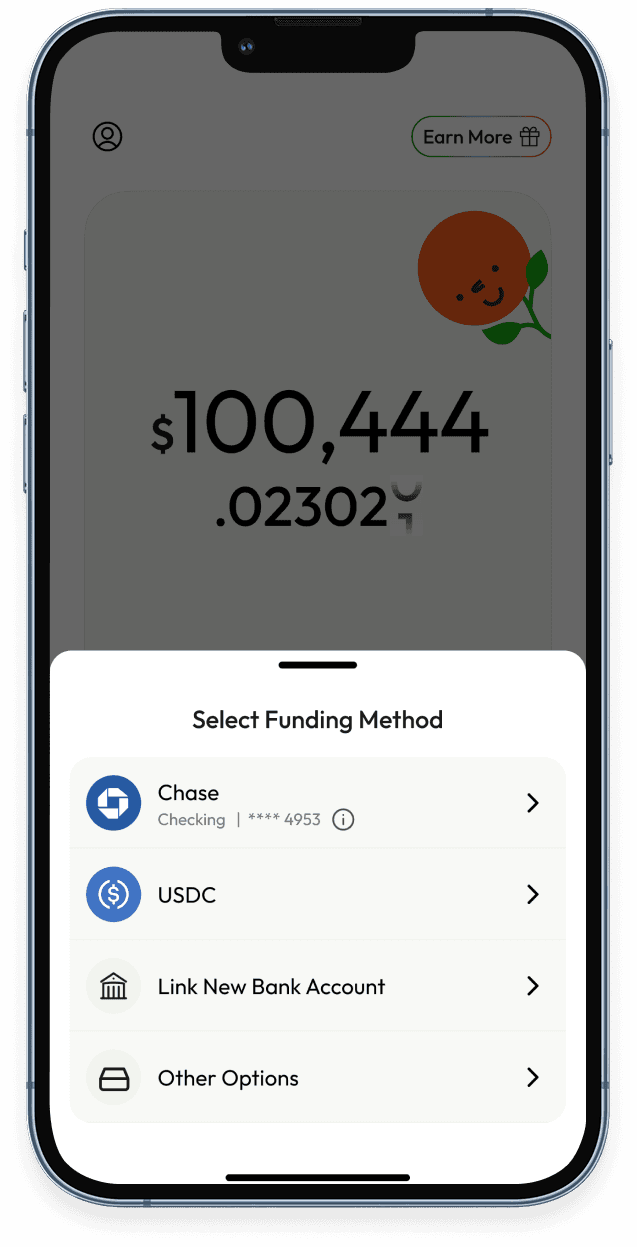
- Bank transfer (ACH) - Debit card - Crypto - transfer stablecoins (USDC) or connect your Coinbase account
How do I track my earnings?
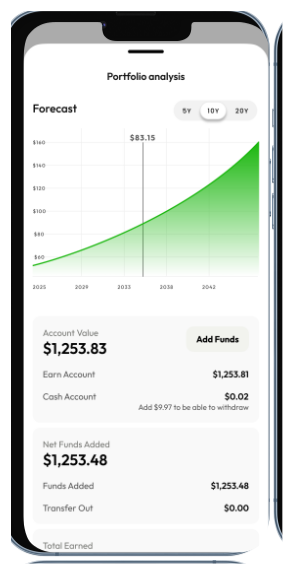
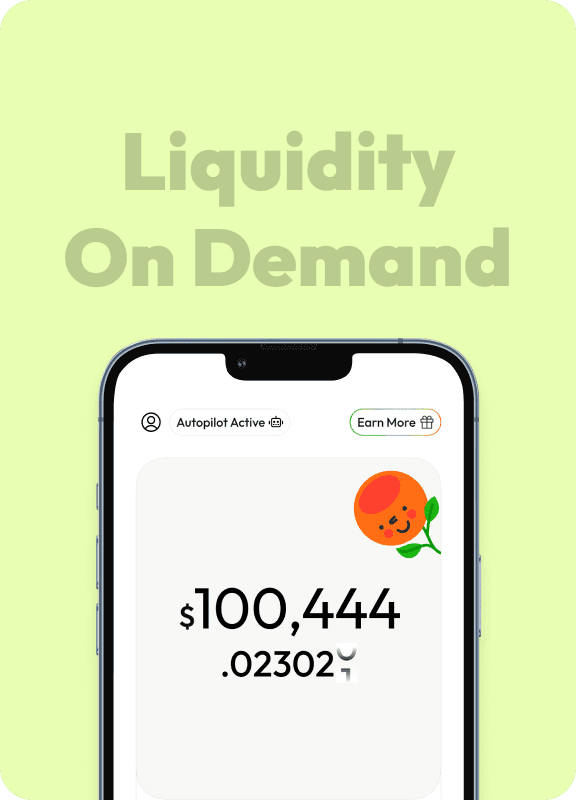
Your dashboard shows live earnings credited every 16 seconds, plus your historical returns and withdrawal history.
What returns can I expect?
Yields vary with market conditions. Historically, rates range between 5–12% APY, far higher than savings accounts and more competitive than high-yield bonds and private credit funds.
How often is yield added?
Continuously. Your balance updates every 16 seconds, and earnings compound automatically.
Are there lockups or withdrawal delays?
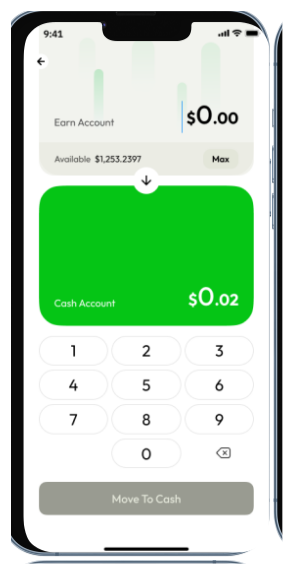
- No lockups - withdraw principal and yield anytime. - Crypto withdrawals: Typically instant. - Bank withdrawals: Funds are released instantly after the standard 14-day security window for new deposits. This short hold is a security measure implemented by our third party payment partner to protect both you and the platform. After that, withdrawals typically take 1–3 business days to settle with your bank.
How does YieldClub generate yield?
Funds are routed into secure, large-scale DeFi lending protocols that generate returns from overcollateralized lending - similar to how traditional banks earn interest, but without the middlemen.
Is YieldClub safe?
- Protocols: We integrate with audited platforms managing tens of billions in assets. - Custody: Your funds stay in your own wallet (via Privy). YieldClub never takes custody. - Transparency: All yields and balances are visible on-chain.
Does YieldClub have a referral program?
Yes. Invite friends from the app to unlock rewards and boosted APY.
Where is YieldClub available?
YieldClub works in most countries. Funding methods (bank, card) may vary by region.
What is Autopilot?
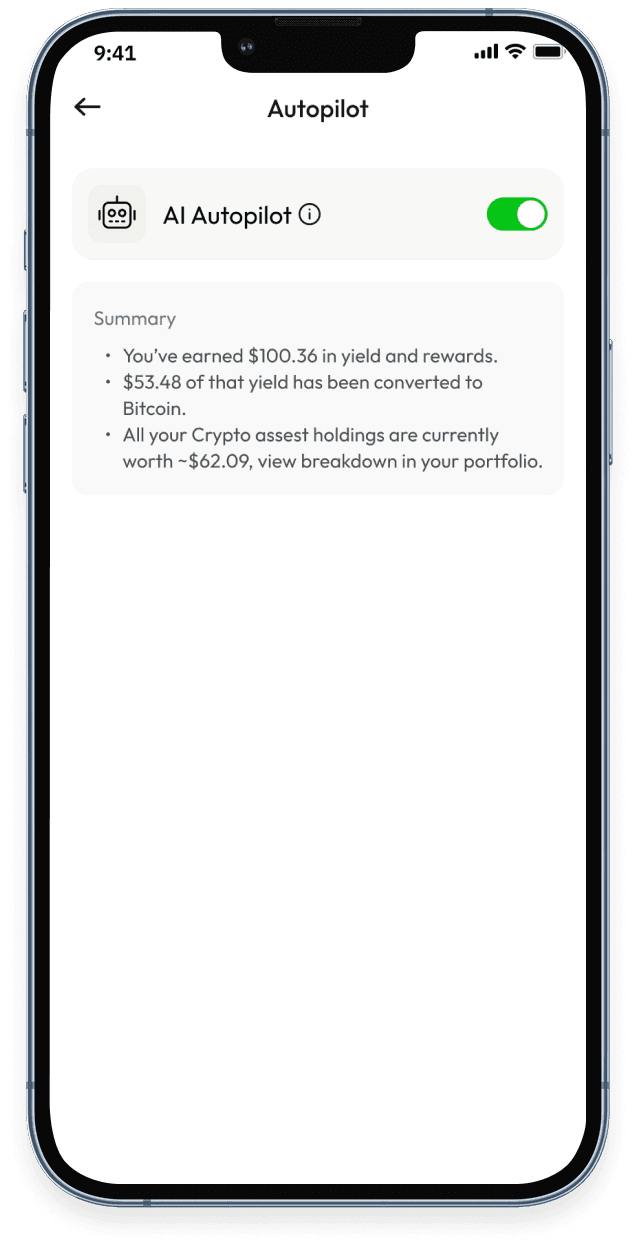
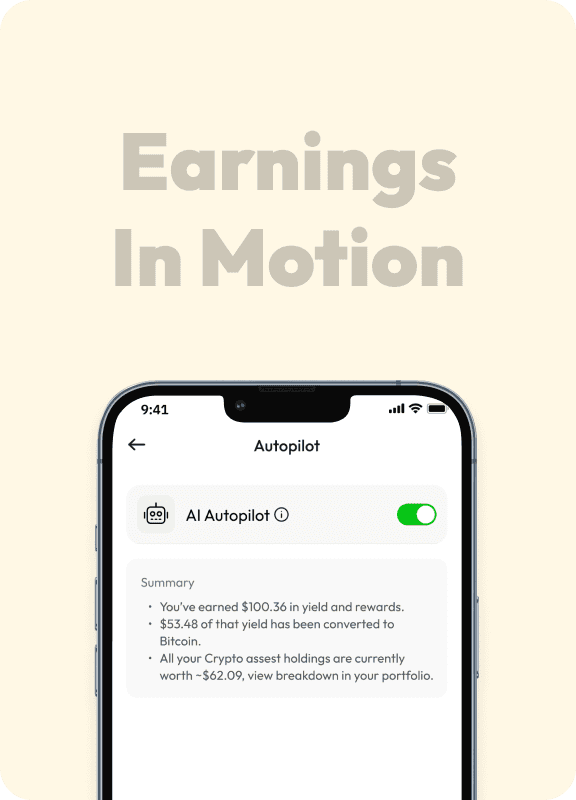
Autopilot is a set-it-and-forget-it feature that automatically uses the yield (interest) you earn from your invested USD deposits to purchase Bitcoin. Instead of letting your yield sit as USD, Autopilot converts it into BTC on your behalf, helping you build a Bitcoin position over time with zero extra effort.
How does Autopilot work?
When you enable Autopilot, YieldClub monitors the yield accruing on your invested stablecoins. At a regular interval, your accumulated yield is automatically swapped into BTC and deposited into your wallet.
How do I turn on Autopilot?
You can enable Autopilot from the Settings Page in the app. Simply toggle the Autopilot switch on and you're all set. You can turn it off at any time with a single tap. Note that Autopilot requires a minimum of $500 due to system limitations.
Does Autopilot affect my principal deposit?
No. Autopilot only uses the yield (interest) your investment generates. Your principal stablecoin investment remains fully intact and continues to earn yield
Does YieldClub provide tax documentation?
YieldClub does not generate or provide tax documents (such as 1099s or tax reports) as we are a self-custodial wallet provider. However, depending on your region and activity, you may receive reports from third parties used for payment onramps (Coinbase, Cybrid, BlindPay, etc). Users are responsible for tracking and reporting their own activity according to their local tax requirements. YieldClub does not provide tax advice, and we recommend consulting a qualified tax advisor if you have questions about how to report your activity.
What cryptocurrencies can I trade on YieldClub?
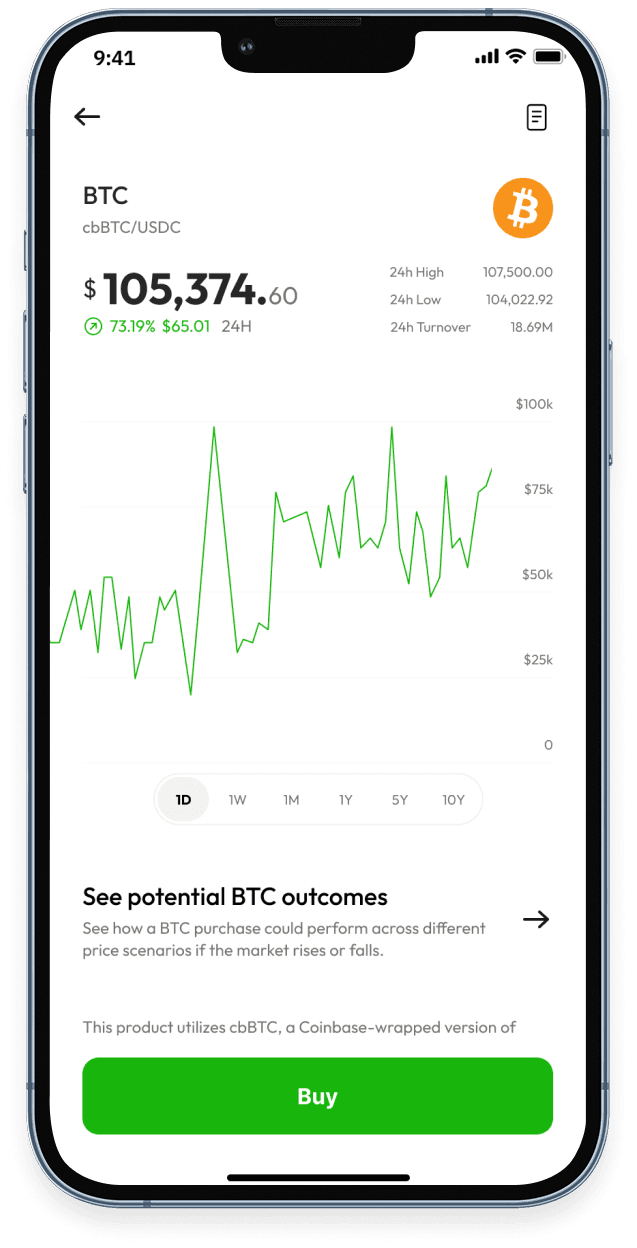
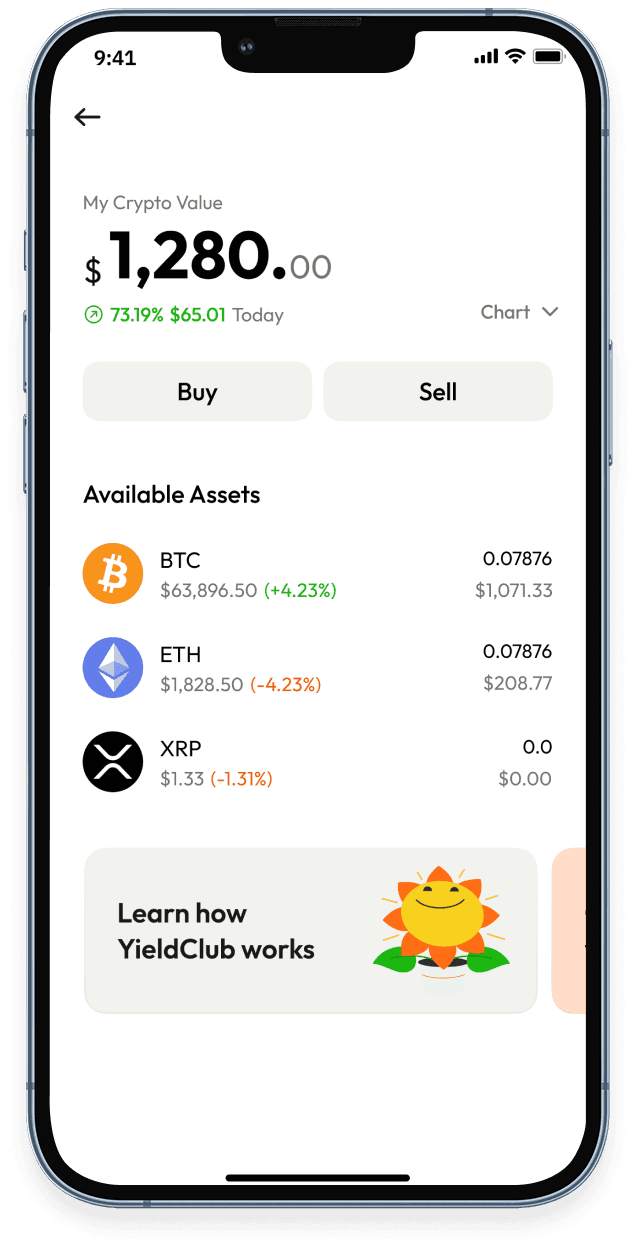
YieldClub currently supports trading for three major cryptocurrencies: Bitcoin (BTC), Ethereum (ETH), and XRP
How do I buy crypto on YieldClub?
Buying crypto is simple. Navigate to the Trade section in the app, select the asset you want to buy (BTC, ETH, or XRP), enter the amount in USD, review the transaction details, and confirm.
Can I sell my crypto back to USD?
Yes. You can sell any of your BTC, ETH, or XRP holdings back to USD directly within the app. Go to the Trade section, select the asset you want to sell, enter the amount, review the details, and confirm. Proceeds will appear in your YieldClub wallet balance.
Are there any fees for trading?
YieldClub charges a small transparent Network Fee on each transaction which accounts for third-party gas costs, swap fees and slippage. The fee is clearly displayed on the review screen before you confirm any trade.
What happens if the price changes while I'm confirming a trade?
Because crypto prices fluctuate, a small slippage tolerance is built into each trade. If the price moves beyond this tolerance before your transaction confirms, the trade will not execute to protect you. You may have to retry the trade in this case.
Start stacking, your yield is waiting














Discover Smarter Yield









Earn 5-12% APY on your dollars. Auto-convert to BTC. No crypto experience needed.